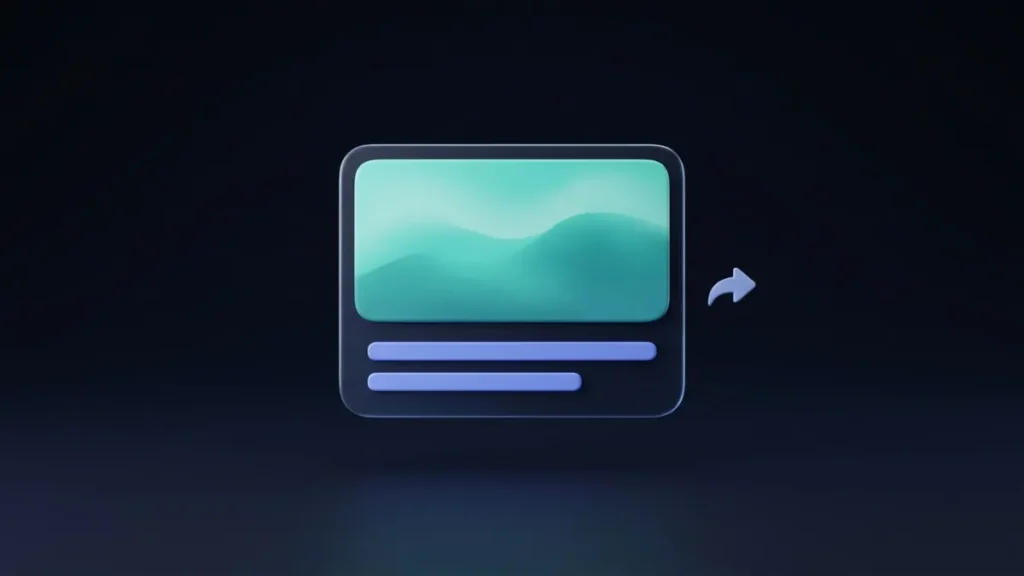
An Open Graph image, often called an OG image, is the picture that appears in the preview card when someone shares your link on social media or in a messaging app. You set it with a single line in your page’s HTML, the og:image tag. A good one makes your link stand out in a feed. A missing or wrong one leaves the preview plain, cropped, or showing an image you did not choose.
This guide explains what an Open Graph image is, how it works, what it needs to display correctly, and how to set and test one.
What Does “Open Graph” Mean?
The Open Graph protocol is a set of meta tags that lets any web page become a rich object when it is shared. It was created by Facebook, and many platforms now read it, including LinkedIn, Slack, Discord, and various messaging apps. When someone pastes your link, the platform fetches your page, reads these tags, and builds a preview card from them.
The protocol defines four properties that every page should have:
og:title, the title of the page as it should appear in the preview.og:type, the kind of content, such aswebsiteorarticle.og:image, the URL of the image that represents the page.og:url, the canonical URL of the page.
The og:description tag is also widely used to add a short summary under the title.
What Is an OG Image?
The OG image is whatever file og:image points to. It is the large picture at the top of a link card, or the thumbnail beside the title on some platforms. Here is a minimal example:
<meta property="og:title" content="What Is an Open Graph Image?">
<meta property="og:type" content="article">
<meta property="og:url" content="https://ngepush.com/guides/what-is-an-open-graph-image/">
<meta property="og:image" content="https://ngepush.com/images/og-image.jpg">
The protocol also allows optional properties that describe the image, including og:image:width, og:image:height, og:image:type, and og:image:secure_url.
Where OG Images Appear
Whenever a link is pasted or posted, the platform tries to unfurl it into a preview. You will see OG images in social feeds, in chat apps such as Slack and Discord, in messaging apps, and in other tools that generate link cards. The exact layout differs by platform: some show a large banner image, others a small thumbnail.
What Happens Without an OG Image?
If a page has no og:image, the preview usually falls back to plain text, or the platform guesses an image from the page, which may be a logo, an ad, or an unrelated picture. You lose control of the first impression, and a text-only card is easier to scroll past than one with a clear image.
What an OG Image Needs
- An absolute URL. Write the full address starting with
https://. A relative path such as/images/og.jpgmay not be resolved by the crawler. - A publicly accessible file. The platform’s crawler must be able to load it without a login, and it should not be blocked.
- The right size and shape. The usual recommendation is 1200 × 630 pixels. See Open Graph image size for dimensions by platform.
- A common format. JPG and PNG are the safest choices.
- A reasonable file size. Keep it small enough to load quickly.
Design Tips for a Better OG Image
- Keep the key content in the center. Some platforms crop the edges.
- Use large, readable text, if you use text at all. The card is often shown small.
- Choose strong contrast. The image needs to stand out in a busy feed.
- Stay consistent. A recognizable style across your pages builds familiarity.
- Do not rely on tiny details. They disappear at thumbnail size.
How to Set an OG Image in WordPress
Most WordPress sites set OG tags through an SEO plugin. The plugin usually lets you pick a social image for each post, often using the featured image by default, and a fallback image for pages without one. Set a good default so that every page has something sensible to show.
How to Test Your OG Image
After you set the tag, check how the link should look. Enter your title, description, and image details into the Open Graph Preview to see how the card is likely to appear when shared. The preview works from the details you enter, so it shows how your tags are meant to look, not what a platform has stored for your page. If a real shared link looks wrong or shows an old version, see why your link preview looks wrong.
Open Graph Tags vs. Regular Meta Tags
OG tags are separate from the meta tags that speak to search engines, although the two often carry similar text. The difference is explained in meta tags vs. Open Graph tags.
Common Mistakes
- Leaving the image out entirely.
- Using a relative image URL instead of a full one.
- Using a tiny image that appears blurry or does not show as a large card.
- Putting important text near the edges, where it can be cropped.
- Forgetting to test after changing the image.
Conclusion
An Open Graph image is the picture that represents your page when its link is shared. Set og:image with a full URL to a well-sized image, keep the key content centered, and test the result. It takes a few minutes and makes every share look more deliberate.
Frequently Asked Questions (FAQ)
What is an Open Graph image?
It is the image shown in the preview card when a link to your page is shared on social media or messaging apps, set with the og:image meta tag.
What size should an Open Graph image be?
The common recommendation is 1200 × 630 pixels. Details for each platform are in the guide to Open Graph image sizes.
What happens if I do not set an OG image?
The preview may show only text, or the platform may pick an image from the page that you did not intend.
Is og:image the same as the featured image?
Not automatically. Many WordPress SEO plugins use the featured image as the OG image by default, but you can usually set a separate image for social sharing.
Do all platforms use Open Graph tags?
Many do, including Facebook, LinkedIn, Slack, and Discord. X uses its own card tags and can fall back to Open Graph for the title, description, and image.